Feed post design
Square and carousel posts with type, color, and brand identity.
Social Magic is a smart assistant for Instagram post and story design with a content calendar — built for brands and creators who want a polished look and steady publishing.
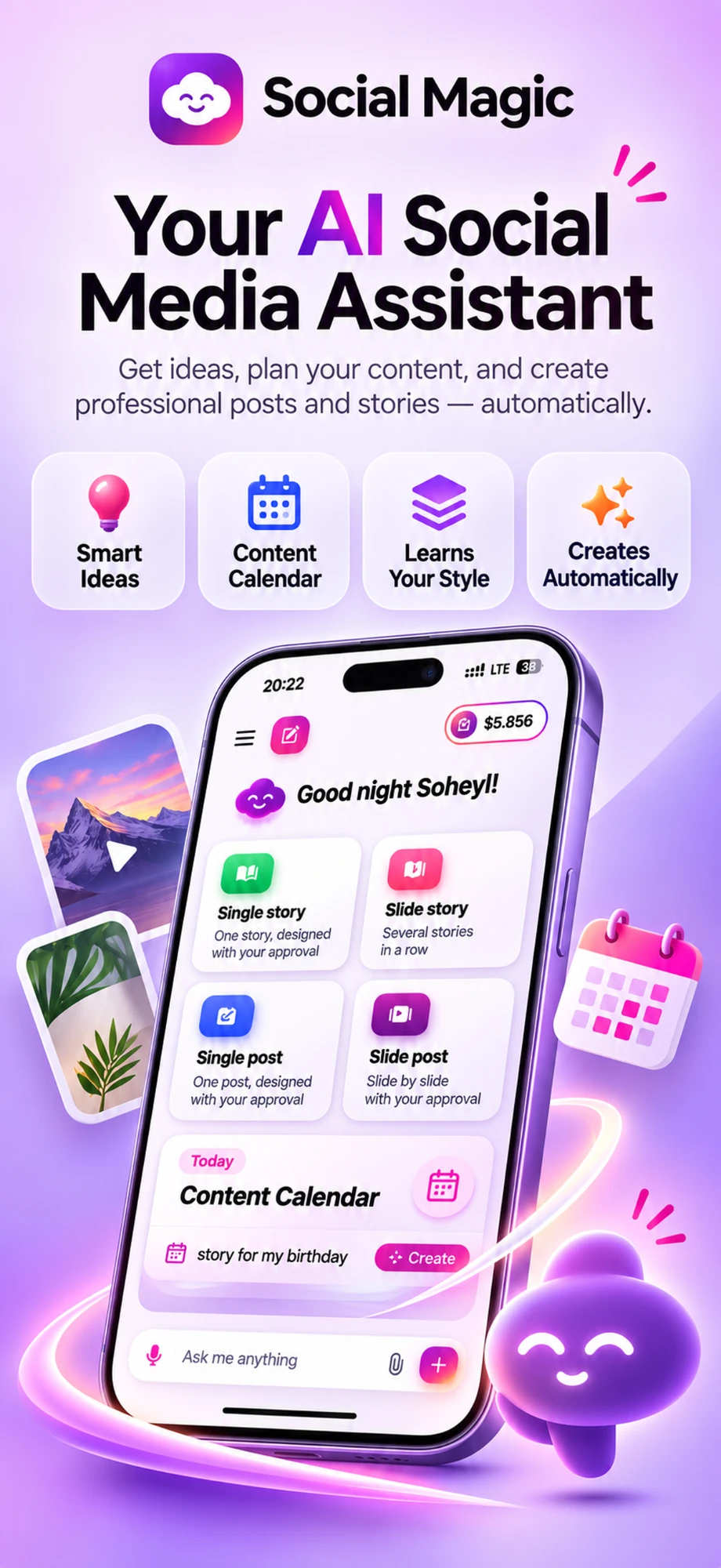
From idea to design and publishing schedule — one mobile app for content teams.
Square and carousel posts with type, color, and brand identity.
9:16 stories with frames, text, and publish-ready layout.
Plan the week and month; spot gaps and fill them.
Connect Instagram so suggestions follow real page data.
Post and story ideas matched to your audience and calendar.
Colors, fonts and tone are remembered, so every design looks like you.
Real screens from the app — from daily ideas to a finished, on-brand design.
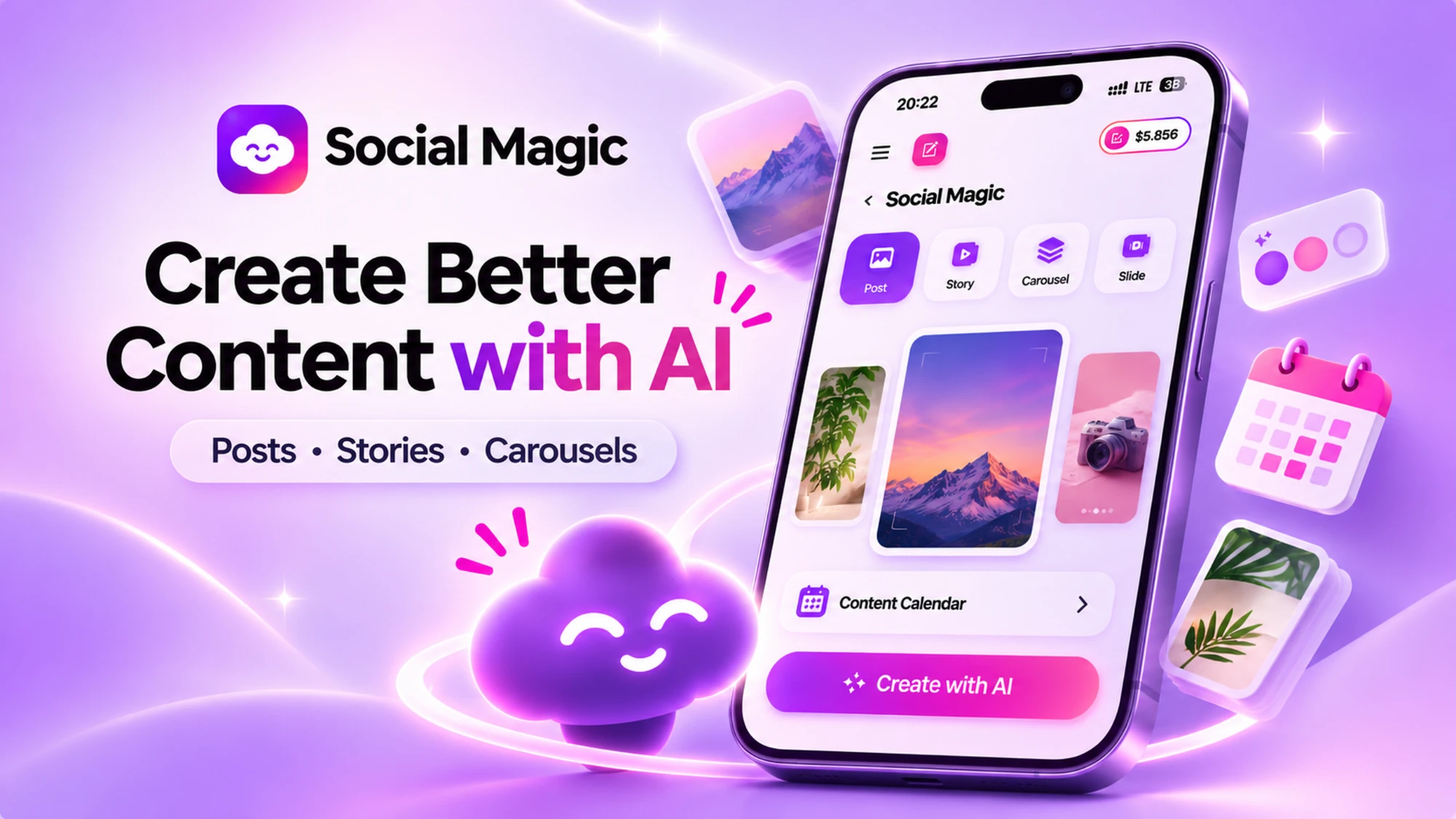
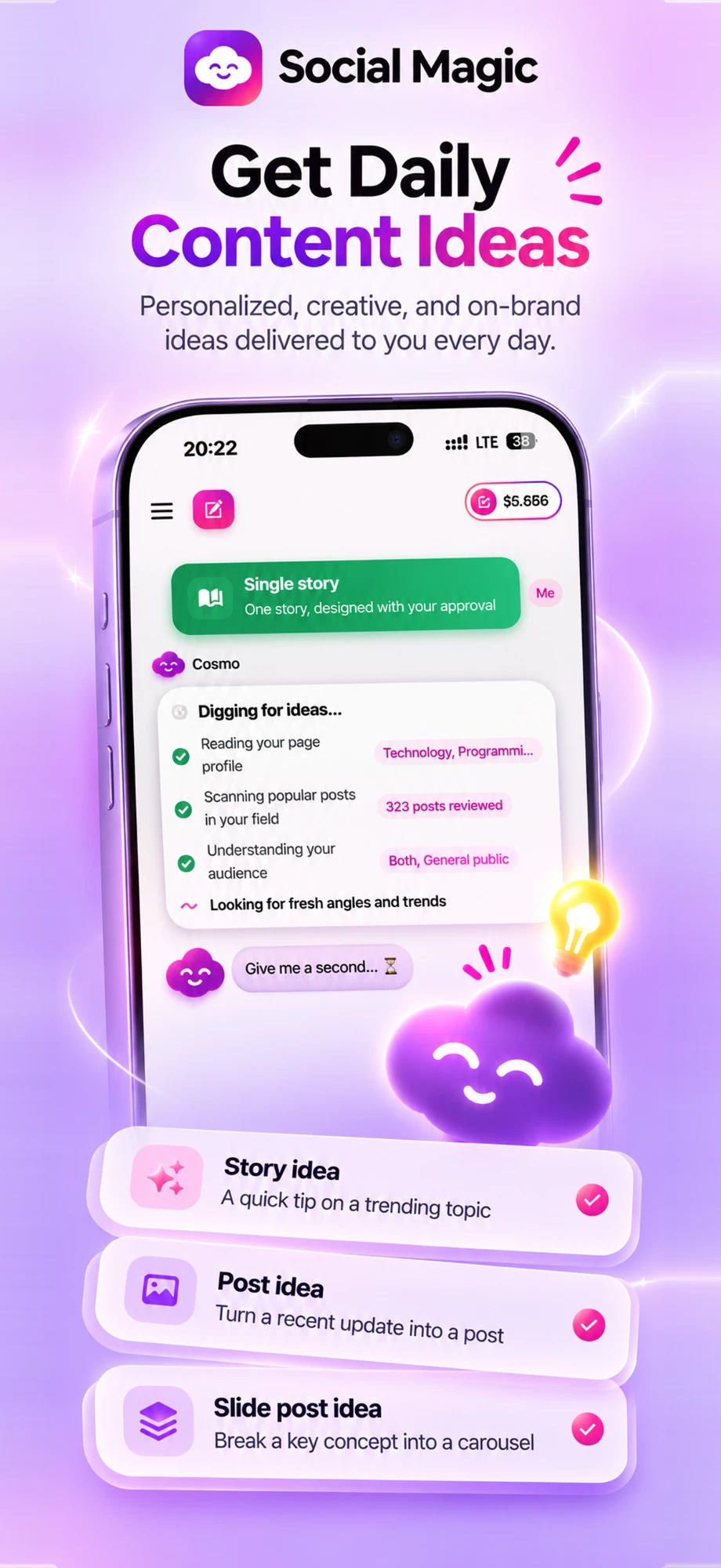
Your assistant reads your page, studies popular posts in your field, and suggests story, post and slide ideas that fit your audience.
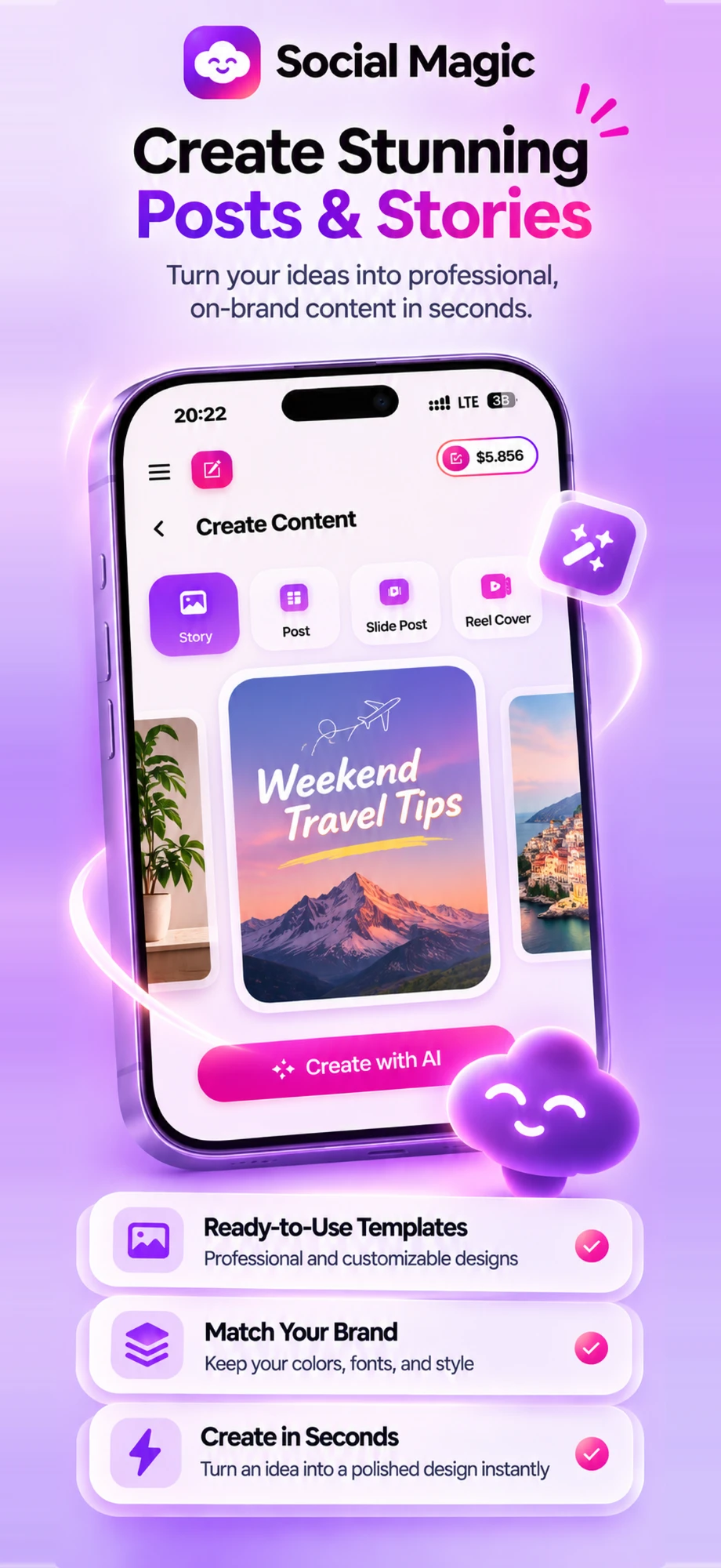
Pick a format, describe your idea, and get a polished design with your colors, fonts and style.
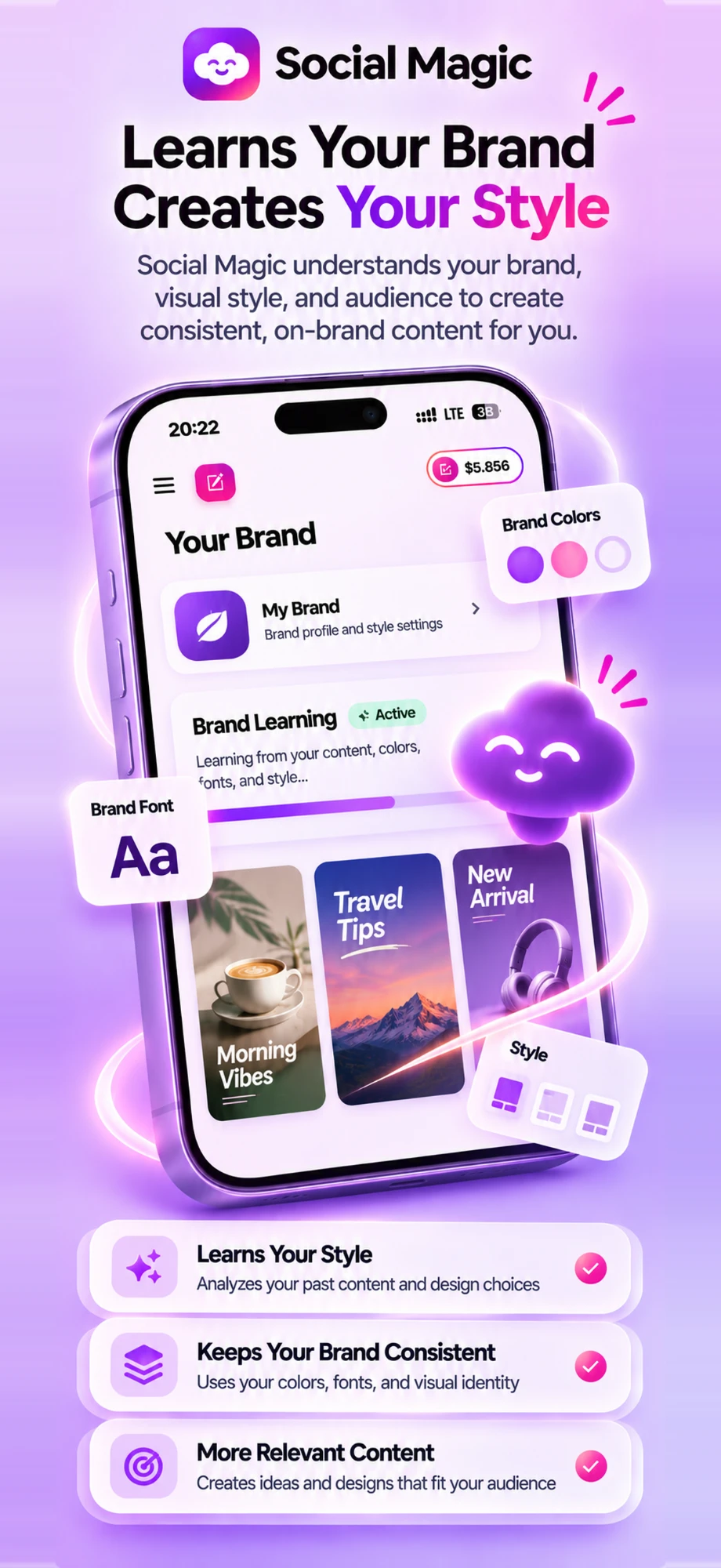
Colors, fonts and visual identity are remembered, so every design stays consistent and recognisably yours.
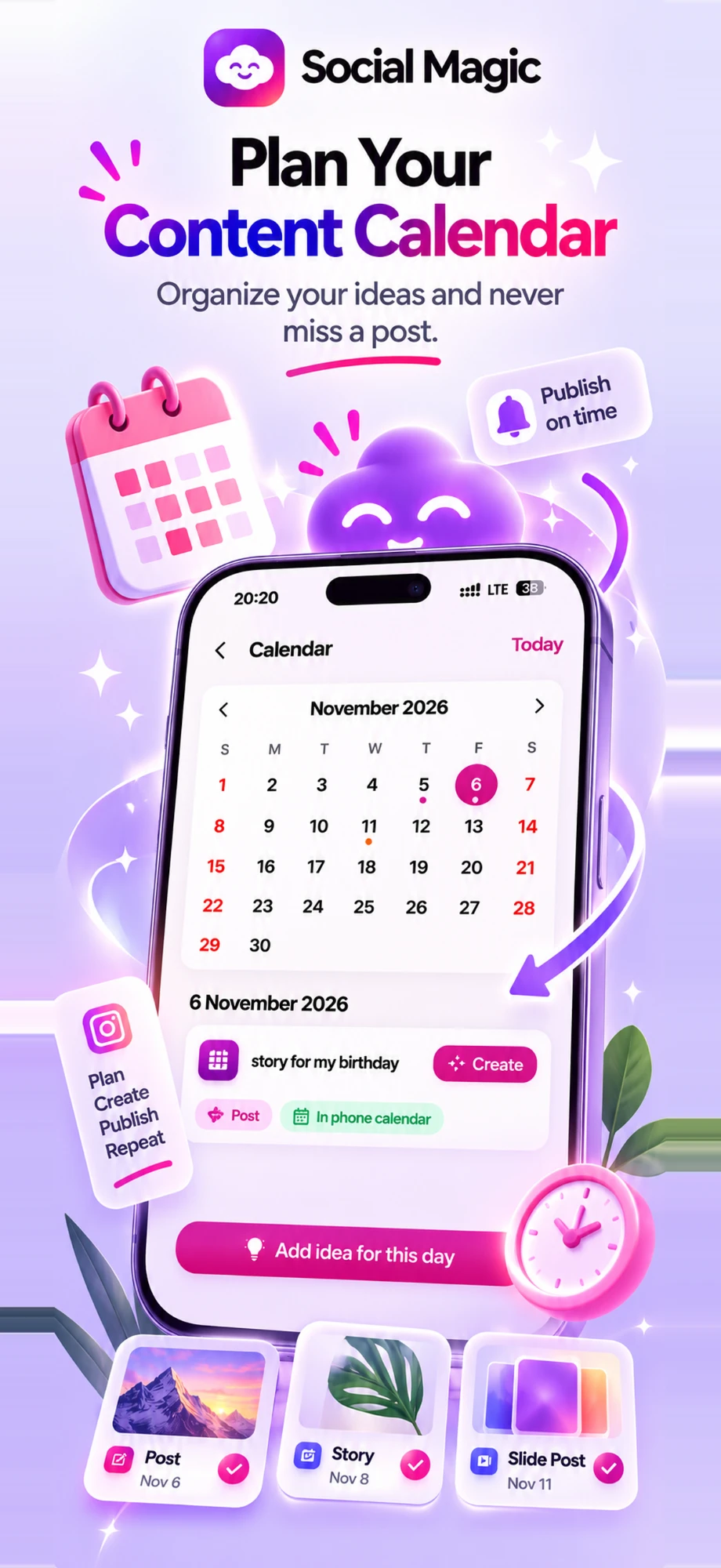
Plan ideas for each day, get reminders in your phone calendar, and turn any idea into a design with one tap.
Choose your topics, audience, tone and colors — then let your buddy do the rest.
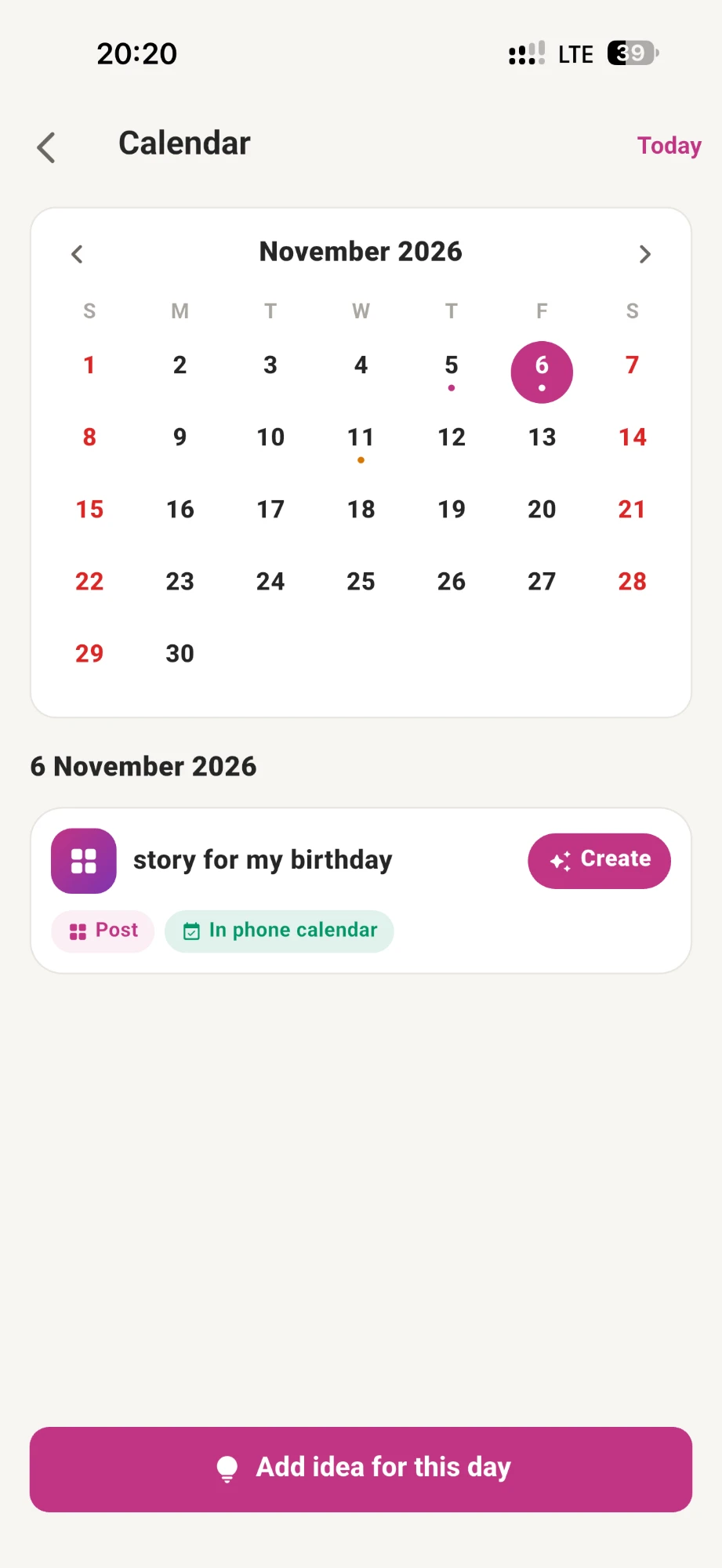
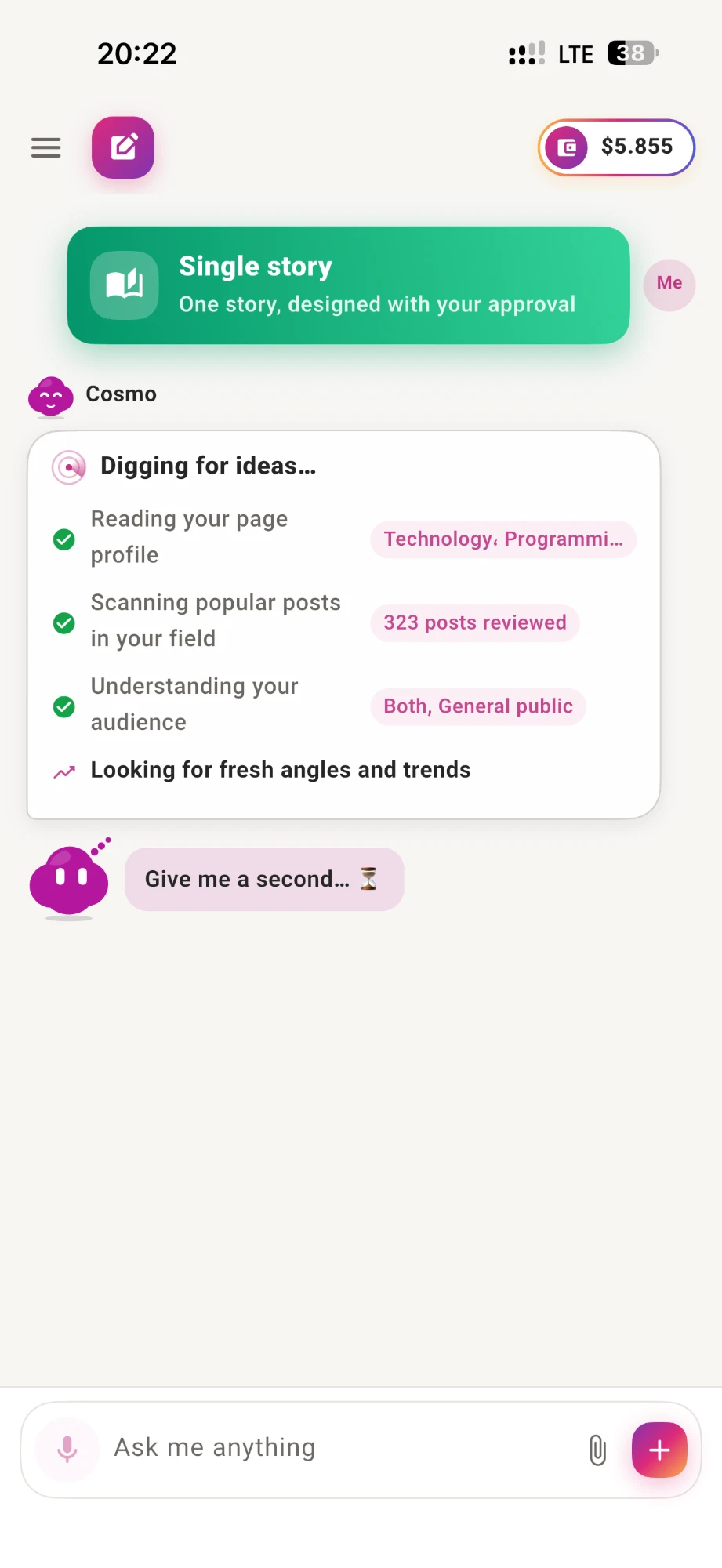
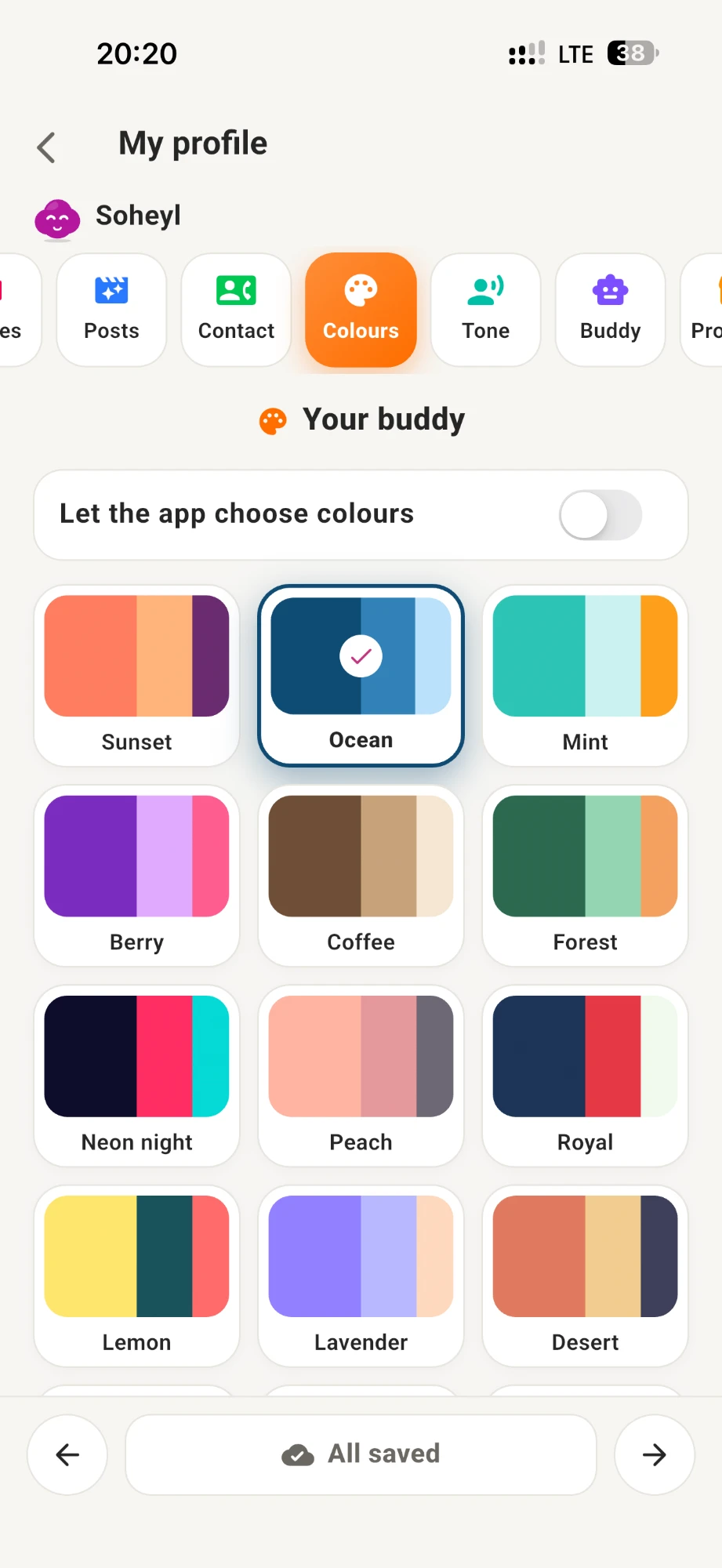
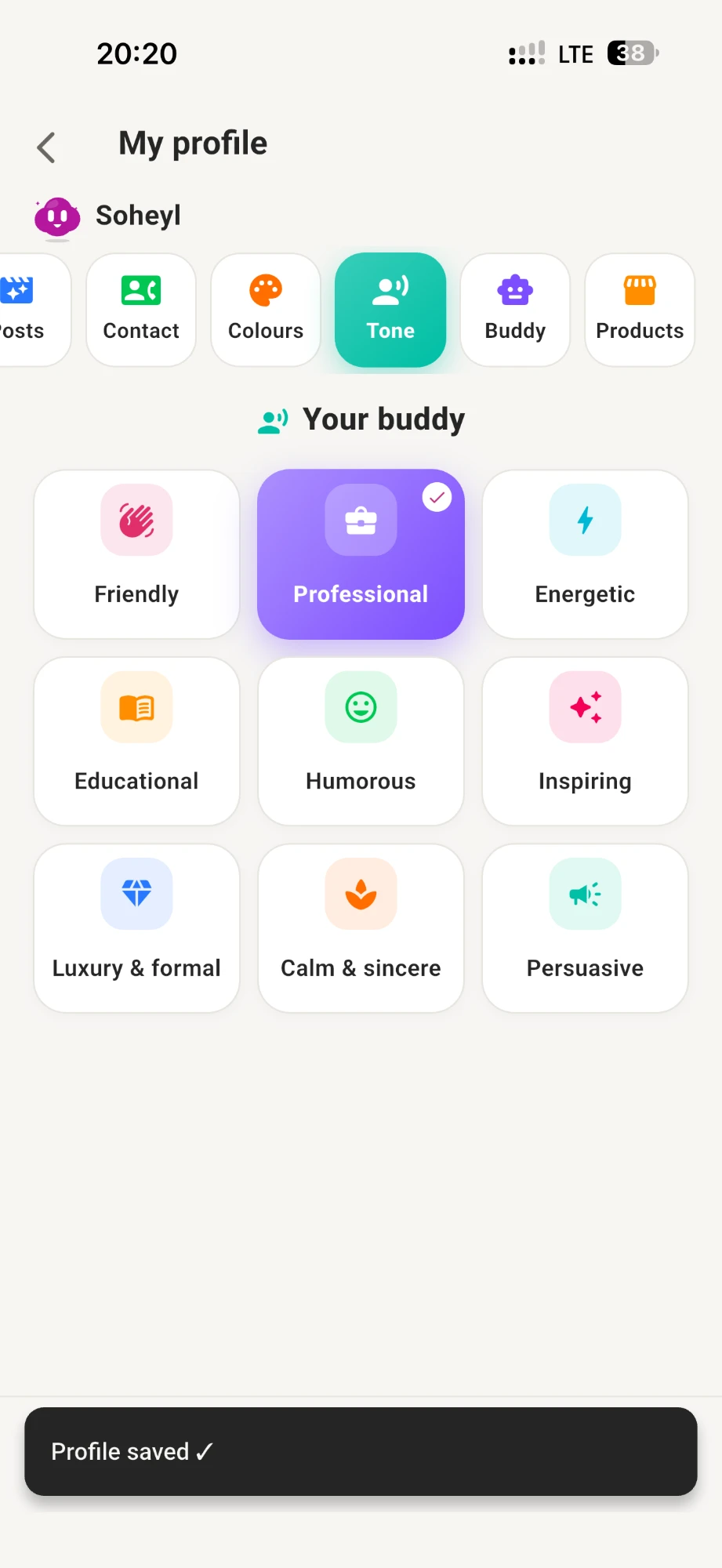
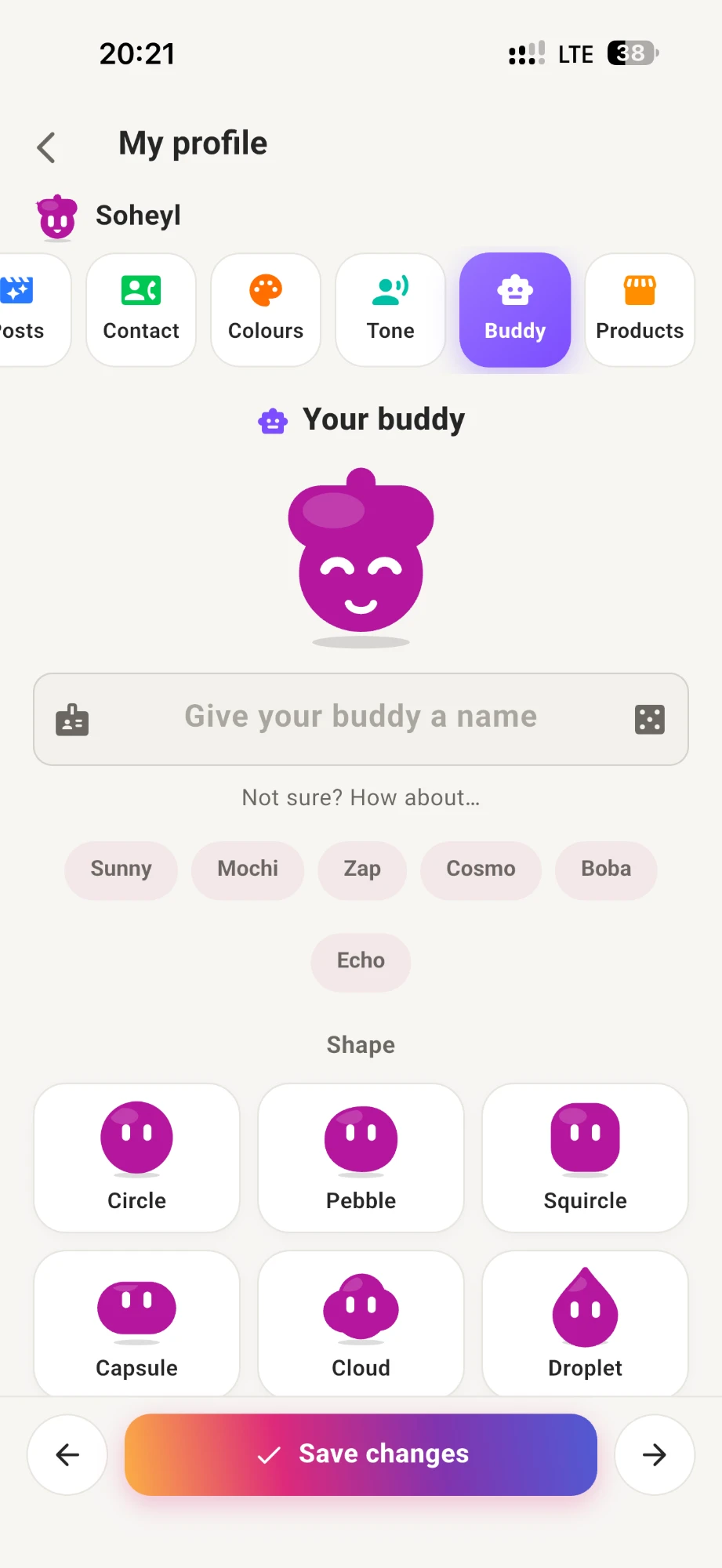
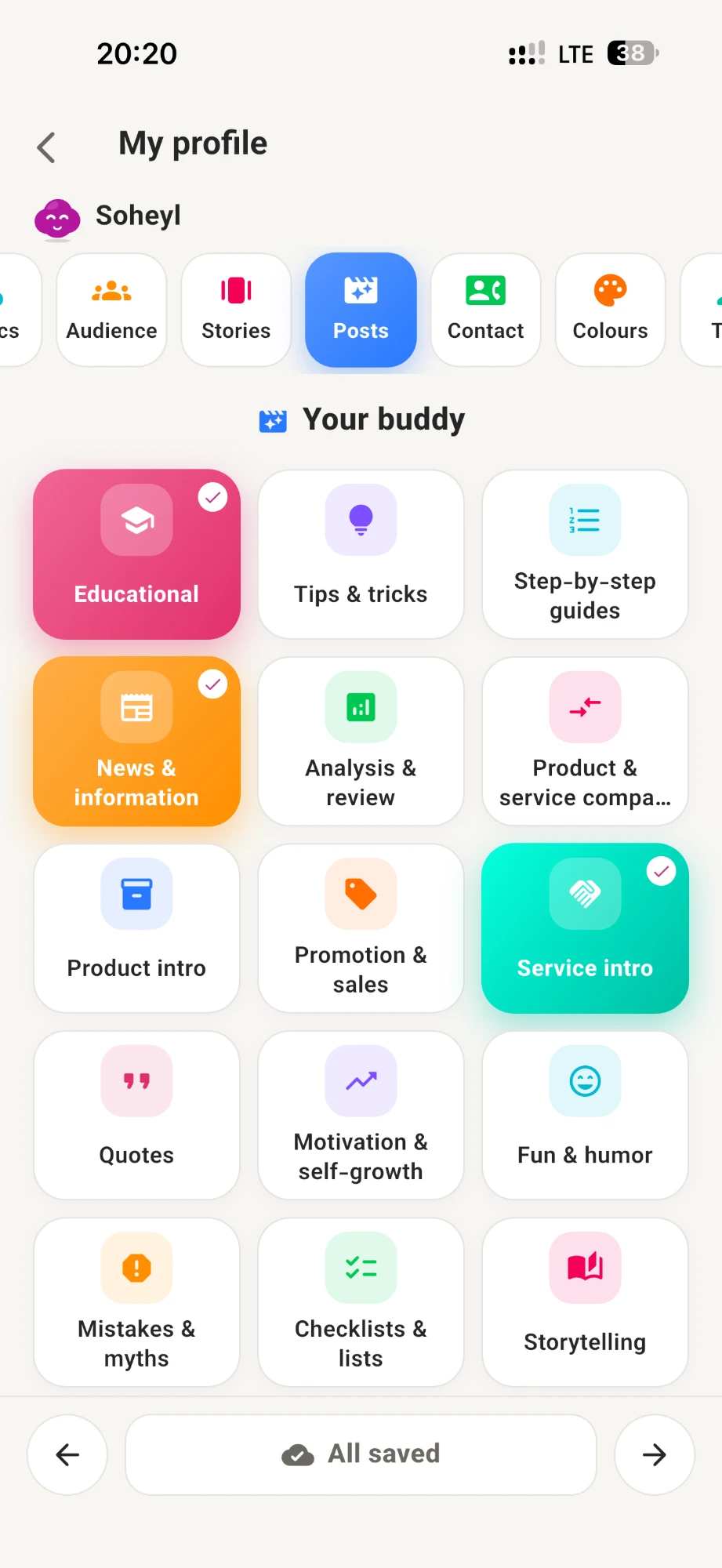
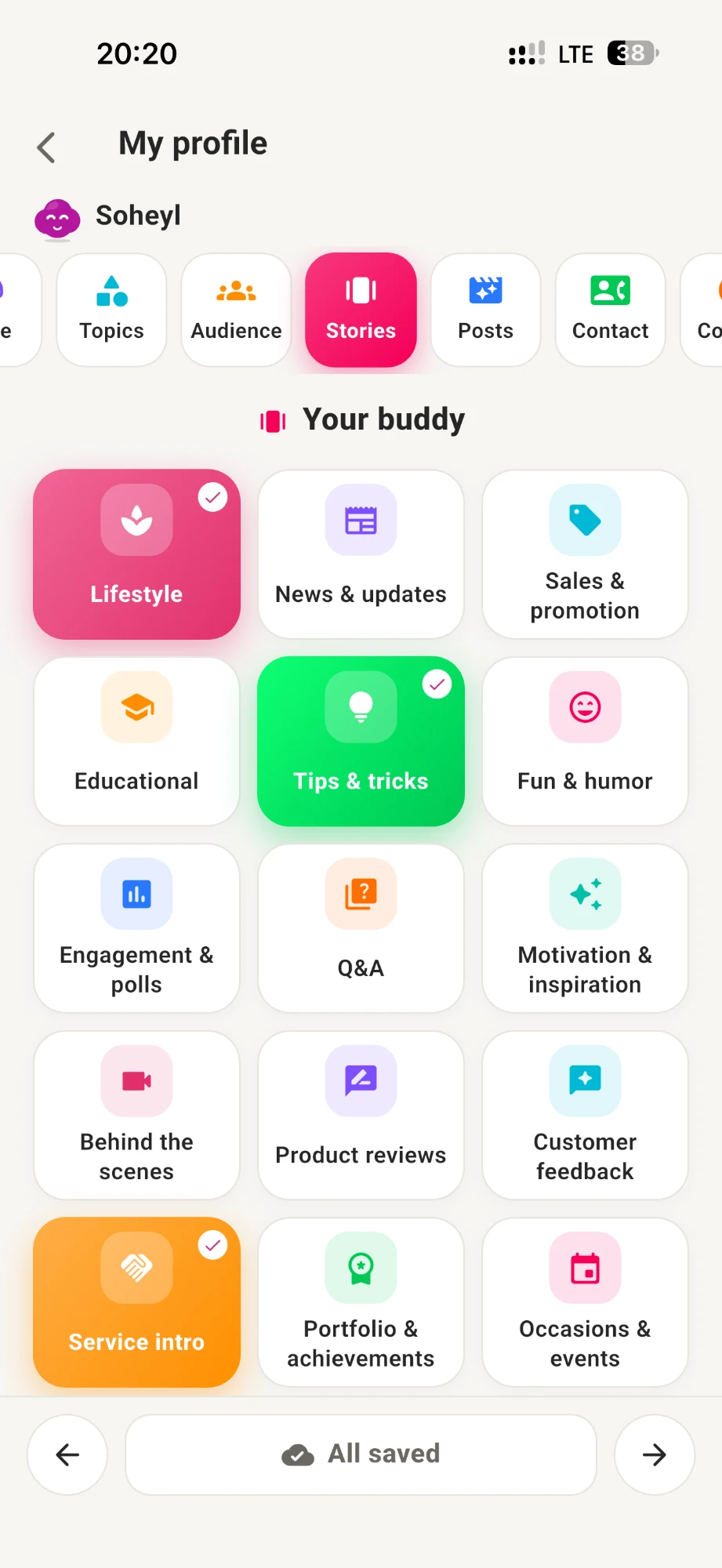
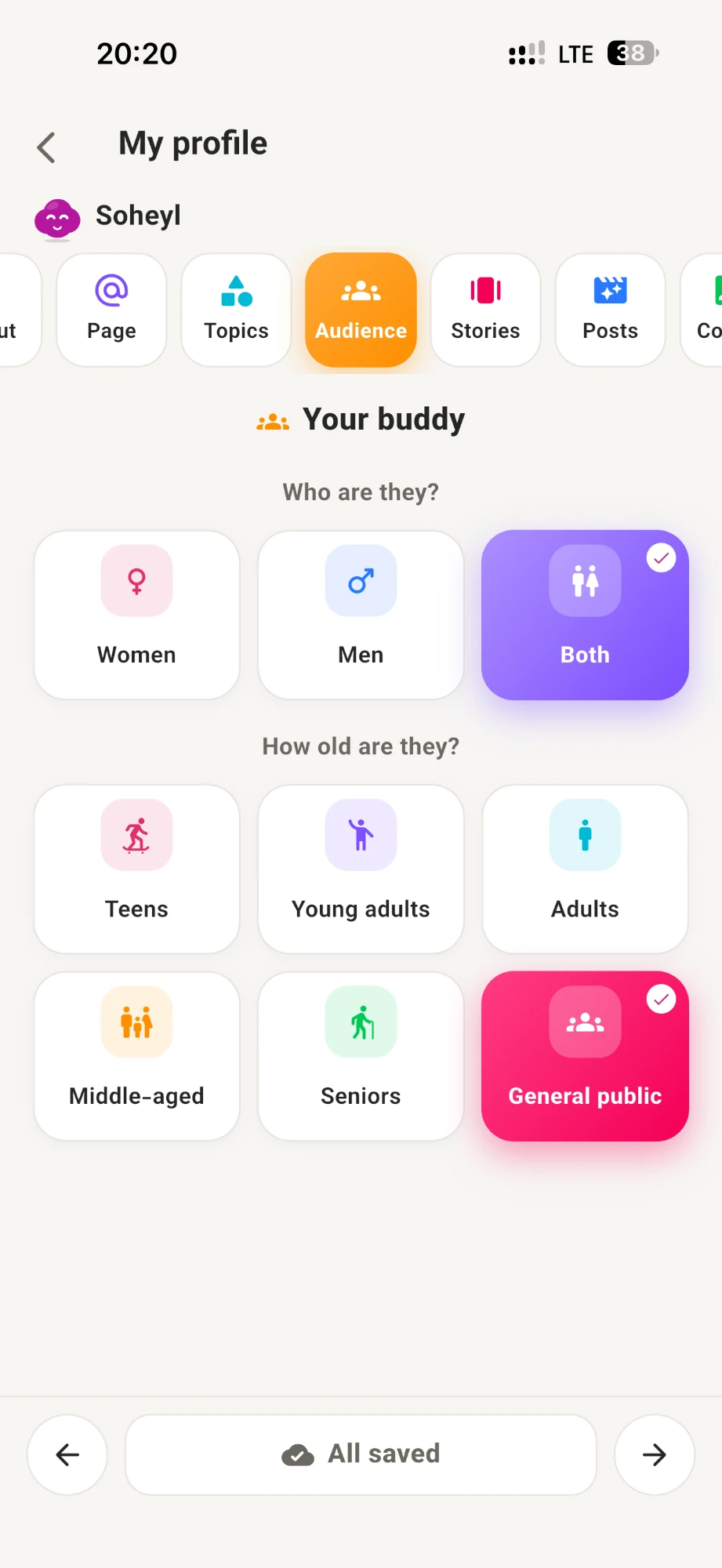
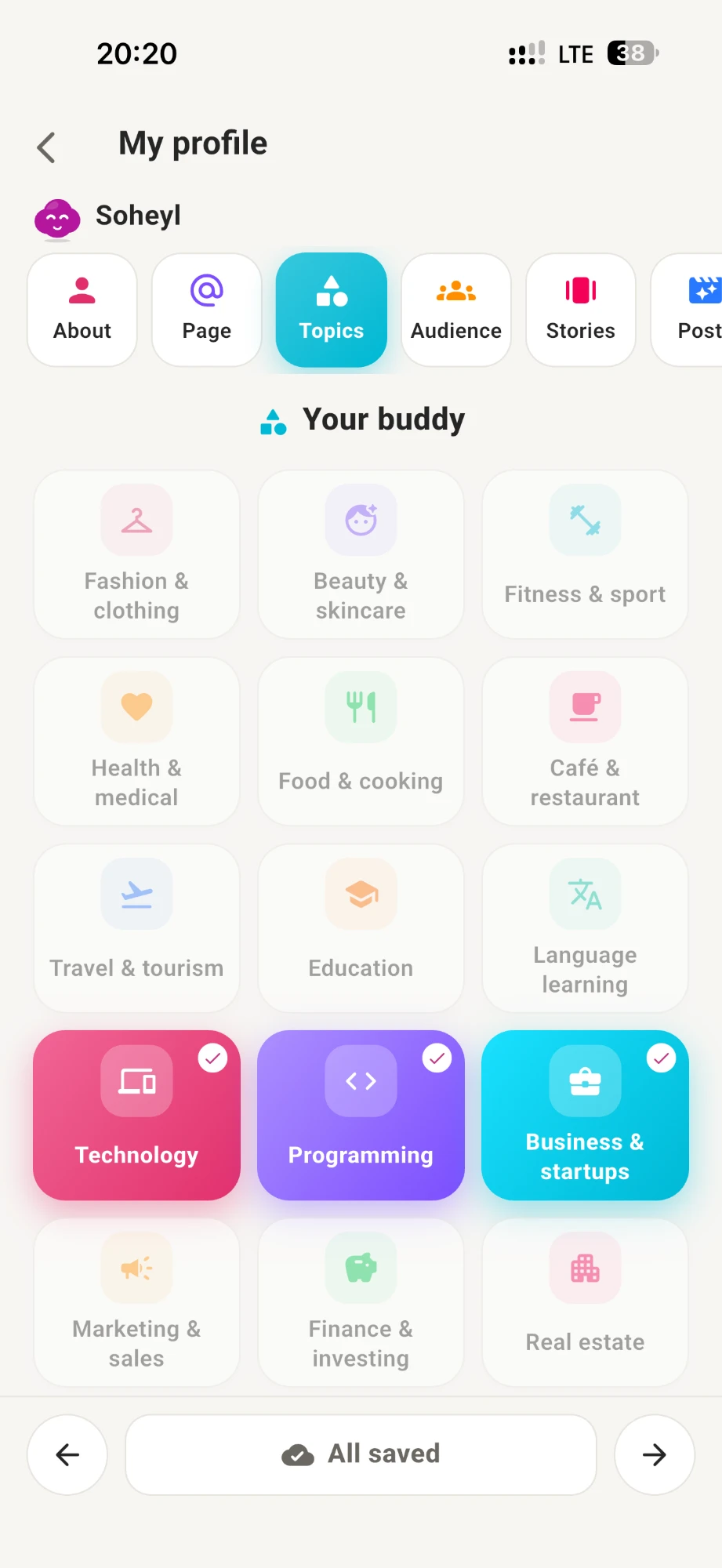
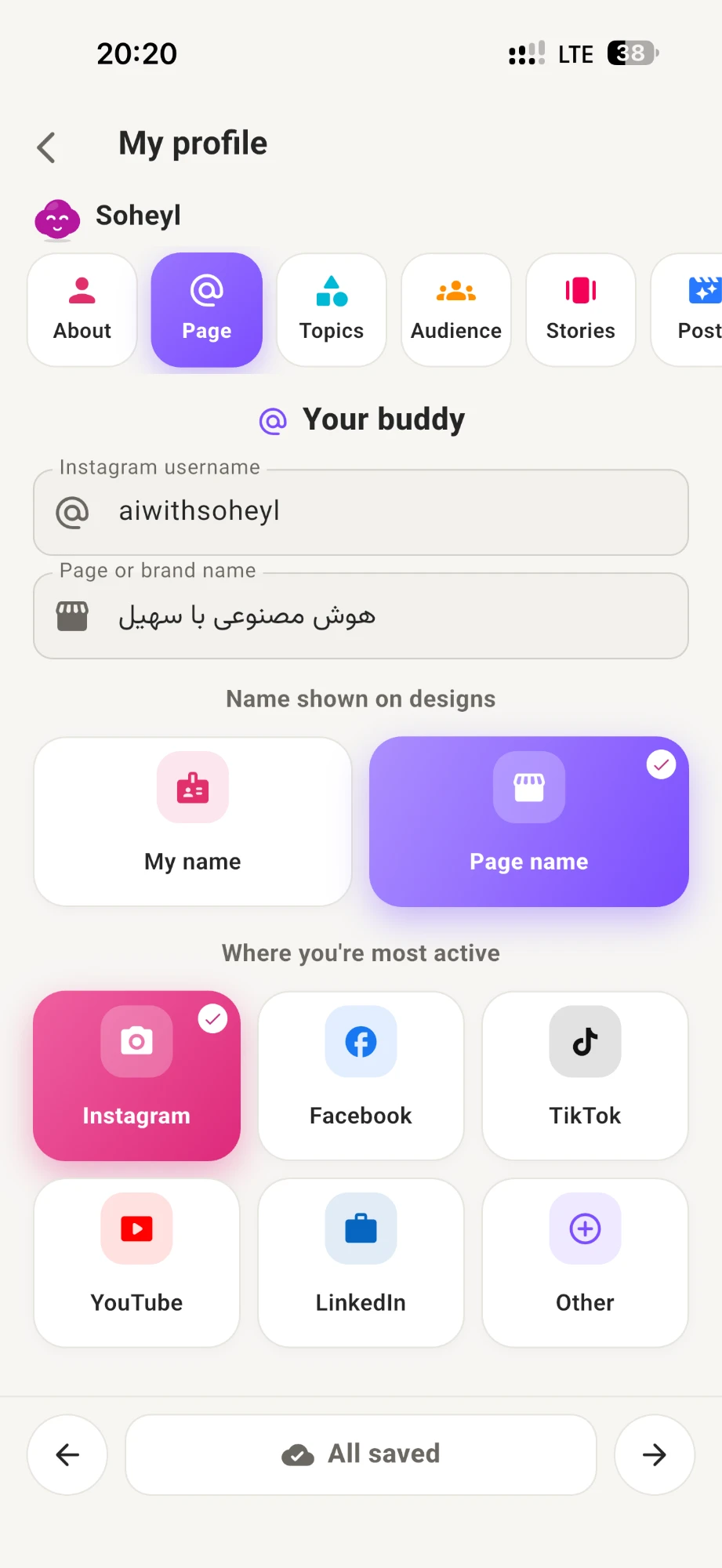
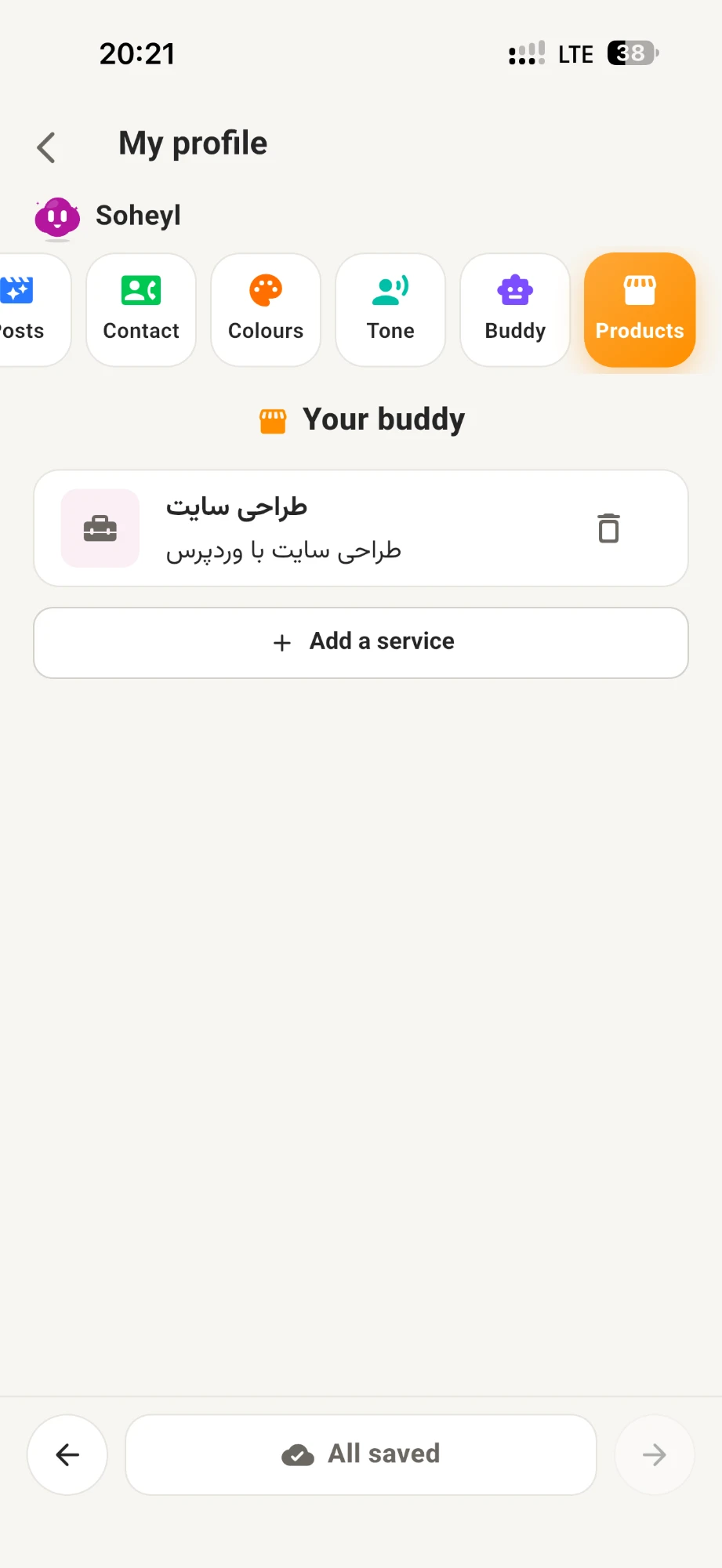
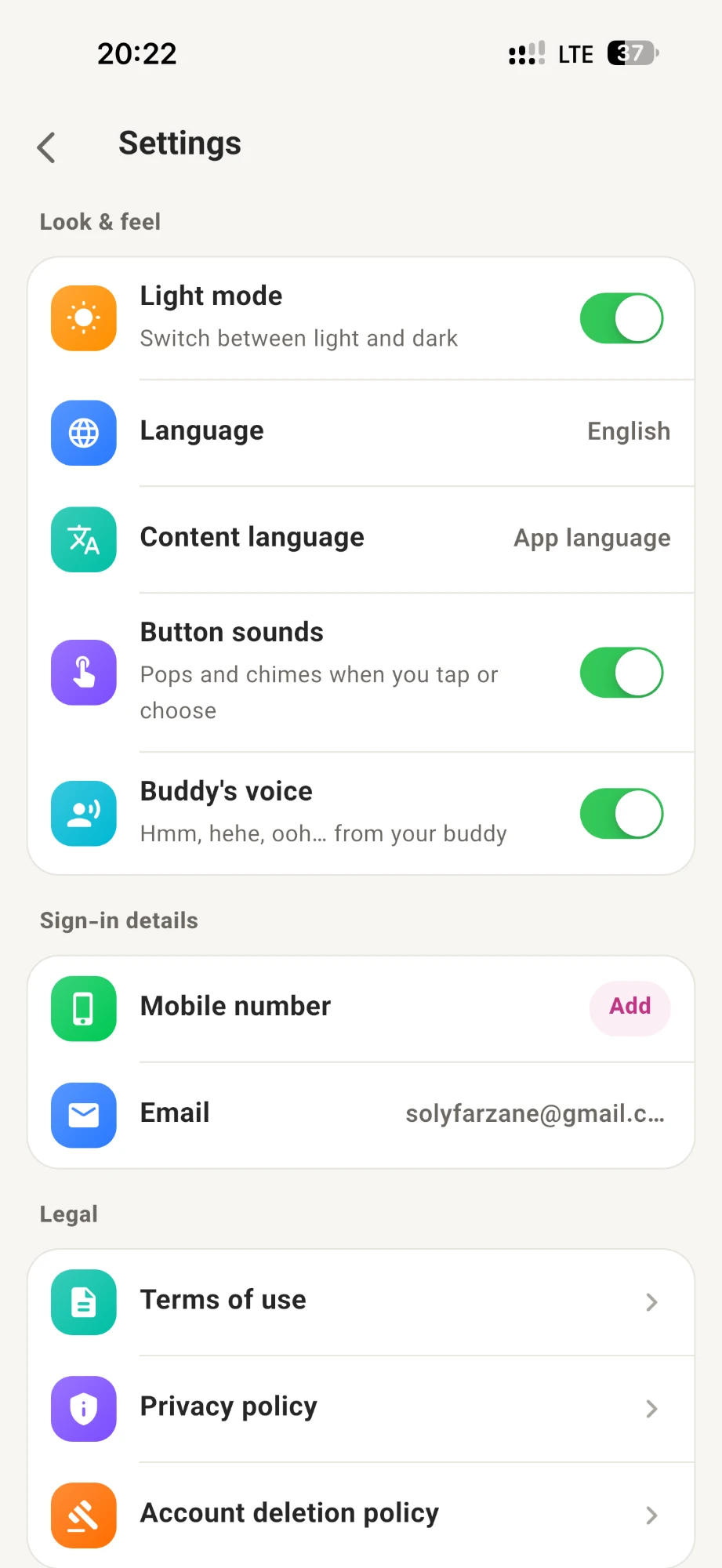
Models align copy, layout, and style so output feels like your brand — not a generic template.
Keep brand color, type, and tone across designs.
Correct feed and story ratios without manual cropping.
Publishing suggestions based on your content plan.
Tune text, frames, and details before the final export.
Idea → design → calendar → publish. All in one mobile app.
Install the app, connect your page, then design and schedule with the assistant.
Install from the App Store, Google Play, or a direct file link.
Link your page for analysis and content suggestions.
Create posts and stories, then place them on the content calendar.
Get Social Magic for iPhone and Android.
Focused on posts, stories, and a content calendar — without generic design-tool clutter.
Get the appRatios and templates tuned for feed and stories.
Steady publishing without empty days.
Available on the App Store and Google Play.
Go from a rough idea to a ready-to-post design in minutes, not hours.
iPhone and Android. Download it from the App Store or Google Play.
Single stories, slide stories, single posts and slide posts — designed with your brand colors, fonts and tone.
No, it is optional. Connecting lets Social Magic read your page profile and popular posts in your field to tailor ideas. We never see your Instagram password.
A day-by-day plan for your ideas, with reminders in your phone calendar and one-tap creation when it is time to publish.
We send only what is needed to AI providers under strict business terms. We do not sell your data and your private content is not used to train AI models. Read the Privacy Policy for details.
Creating content uses credit from your in-app wallet. Credit is purchased securely through the App Store or Google Play.
Yes, any time: Settings → Delete account in the app. Your account and content are removed.
Use the contact details at the bottom of this page — we reply by email.
Download Social Magic and start designing posts, stories, and your content calendar.
Download the app See features